Setting a homepage instead of a blog as your front page creates a static landing page for your visitors. This becomes the main page of your site.
Creating a homepage
To get started go to Pages → Add New Page.
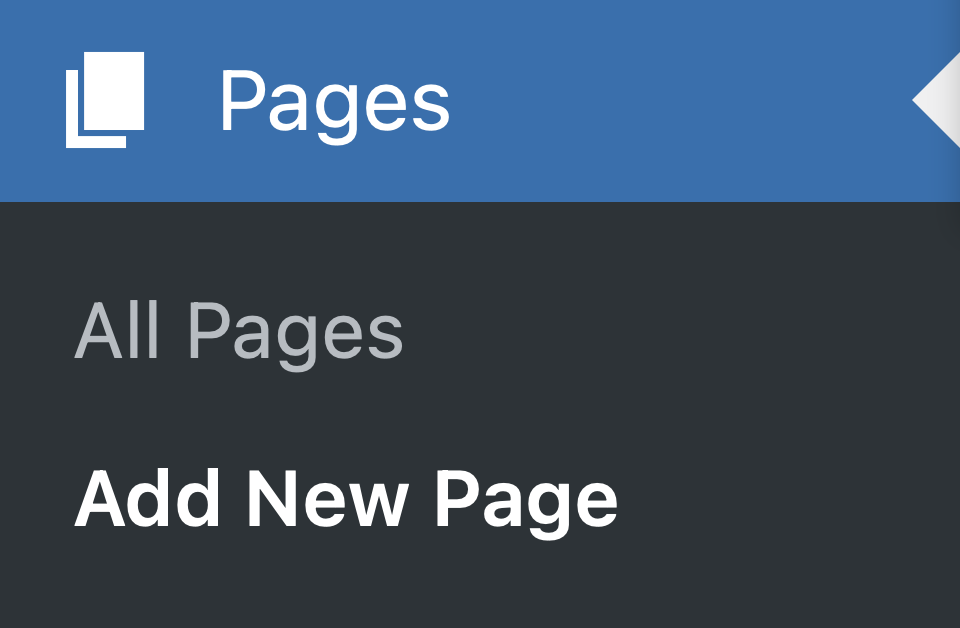
Press Add New Page in the WordPress Admin menu
Once you’re on the Page editing screen, assign a title to your page, like “Welcome” or your site’s title, and use the Content Styles dropdown selector to design your homepage for a great first impression!
Publish your page.
Configuring your homepage
Once your homepage is designed, you’ll need to set it as a Static Page of your site. Go to Settings → Reading.
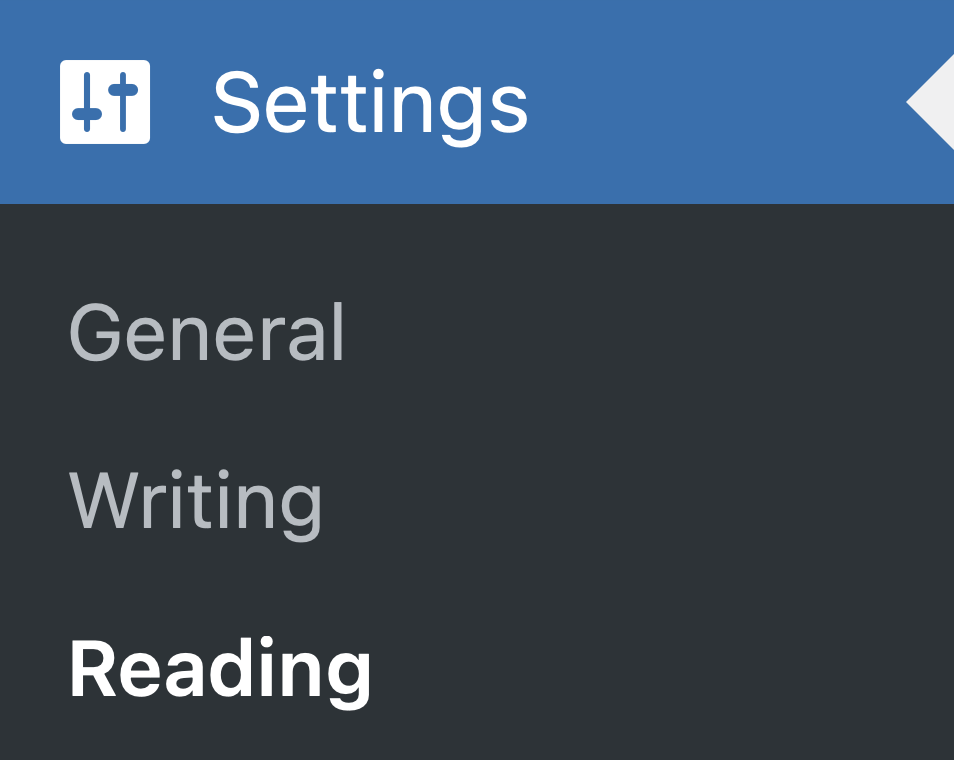
Press Reading in the WordPress Admin menu
Once you’re on the Reading Settings page, select A static page from the options under Your homepage displays. Then select the page you just created (“Welcome” or your site’s title) from the dropdown for Homepage.
Save your changes.

Select your Homepage from the dropdown selector
Editing your homepage
Since your homepage operates like any other page, you can locate it in your pages table and edit it just like you would any page.

The Welcome page has the Front Page Post State label
Also, as this page holds a special status, the page table will include a Post State labeled as Front Page following its title.